In this manual, we will find out out how to set up and launch the Lyly bot.
Lyly is a portfolio bot. It trades to the USDT stablecoin.
It independently collects a portfolio of 9 most promising coins on the market:
- BNB
- BTC
- DOT
- ETH
- LTC
- MATIC
- SOL
- TWT
- XRP
The task of the bot is to take profits from each of the coins and re-buy them on new positive market fluctuations. Until the profit is taken, the coin becomes a portfolio asset of the bot, and the bot continues to monitor its rate to take profits.
The list of the coins may vary.
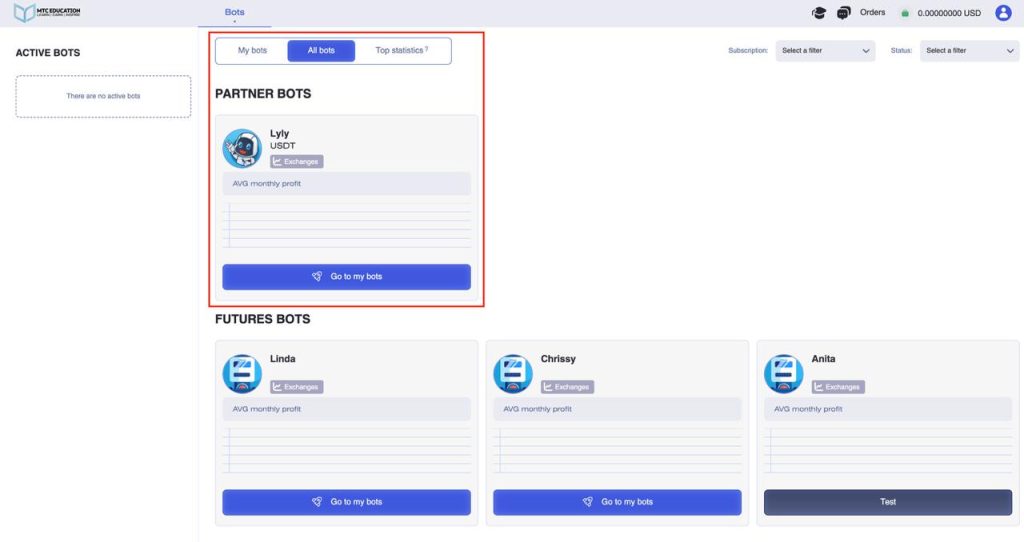
To launch the bot, you need to go to the Bots tab -> All bots section.

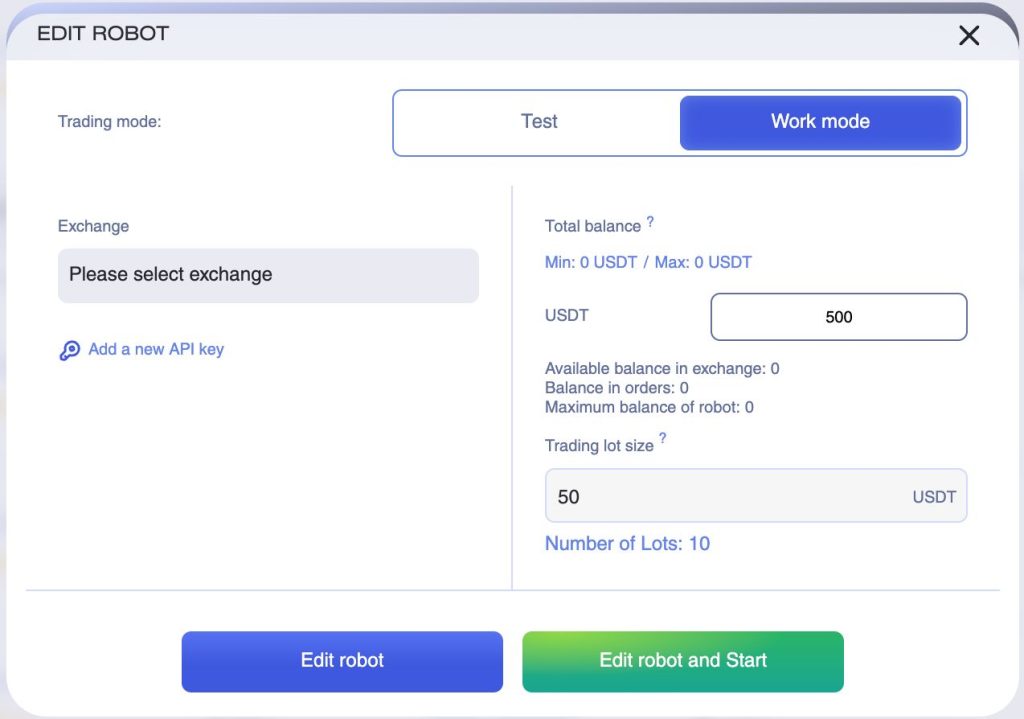
After that, you will see a window with the bot’s parameters and settings.
Like all bots on our platform, Lyly can be launched in either demo trading mode or with a real balance.
If you haven’t used similar bots before, you can start by testing it in demo mode. In this mode, the bot will execute simulated trades based on real-time price charts and order book data, but your actual balance won’t be used for these transactions.
Let’s go through the process of launching the bot in real trading mode.
First, you have to review and accept the Risk Acknowledgment Agreement. Carefully read all the information in the agreement and only proceed if you understand and accept the terms.

Let’s break down the bot’s settings parameters:
- Trading Mode – First, select the Real Mode (Live Trading).
- Exchange – Choose your exchange. Note that the bot is only available for spot trading. Click the Exchange field to see the full list of supported exchanges.
- API Key / Account – Select one of your connected API keys or accounts for the chosen exchange.
- Trading Balance & Order Amount – Set your Trading Balance and Order Amount.
- Example: Trading balance = 1000 USDT, Trading lot size = 25 USDT per trade.
- After clicking Save and Continue, the bot will start trading with the specified settings.
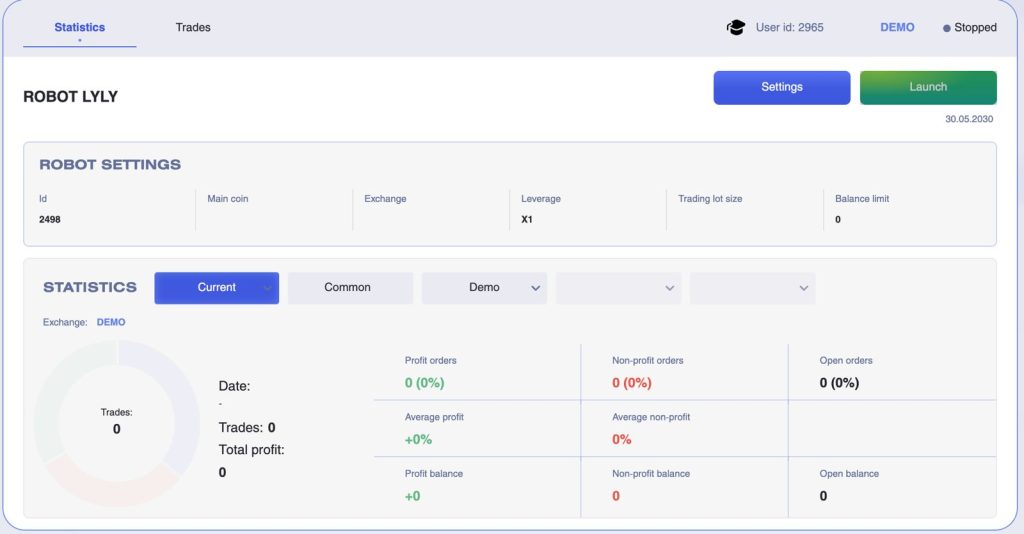
The Statistics section displays all statistics of the running bot. These are the percentage of successful and unsuccessful trades, average profit, average loss and balances of profit and loss.
You can also go to the Trades section, where all finished trades, info on the exchange, currency pair, price and opening time, price and closing time, as well as the status and profit on closed trades will be displayed for the entire period of the tool operation.

Please note that only finished trades are displayed in the statistics of this bot, since it belongs to the portfolio type of trading bots. This means that the purchased assets, the price of which has not yet reached the sale level, are on your exchange balance, but are not displayed in the statistics until the trades will be finished.