In the “Balances” section of the terminal’s top menu, you can track the currency portfolio for each API key, and use the “Convert in 1 click” tool to transfer a deposit from BTC to USDT at one time (or vice versa) with a large number of coins bought on connected exchanges. You can also switch to this section on Account → Balances.
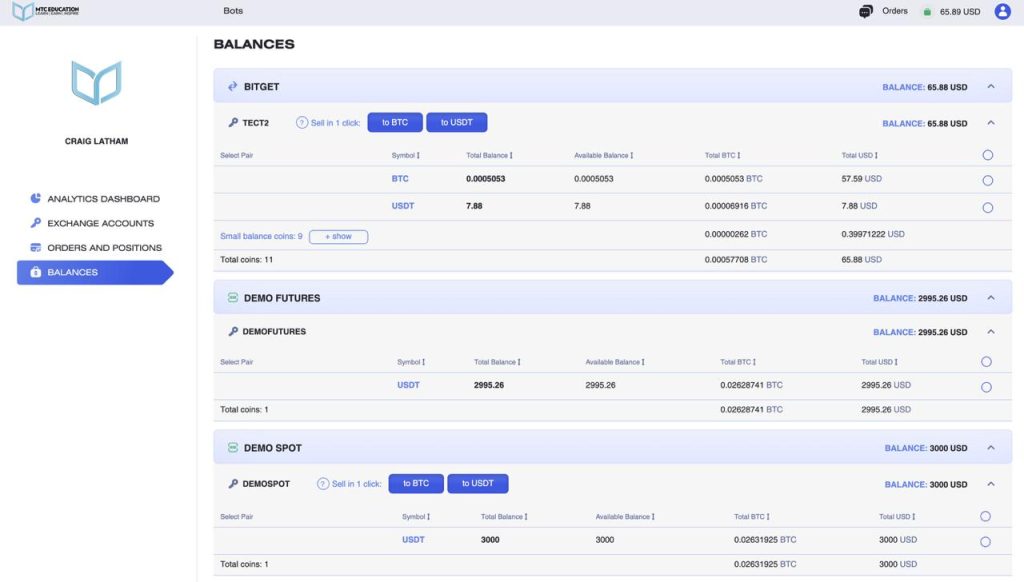
In this section, you’ll see the total balance displayed in both BTC and USD equivalents, along with the amount of each coin and its value in BTC and USD.
You can start trading any coin directly by clicking the “Select to Trade” button.
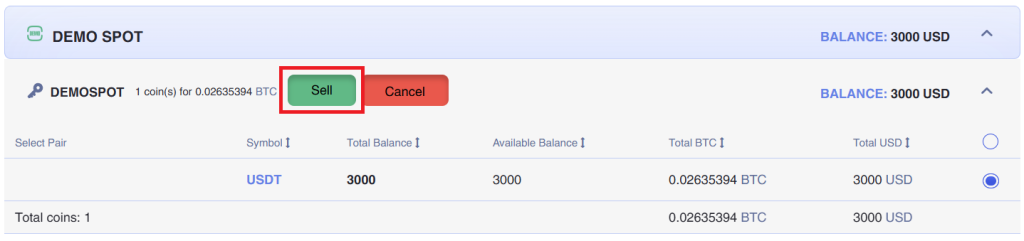
To use the “Convert in 1 Click” tool, click on “Sell to BTC” or “Sell to USDT”, select one or more coins for conversion, and then confirm by clicking the respective button again.
After the conversion is confirmed, a window will appear where you can track the sale of selected coins in BTC or USDT in real time.
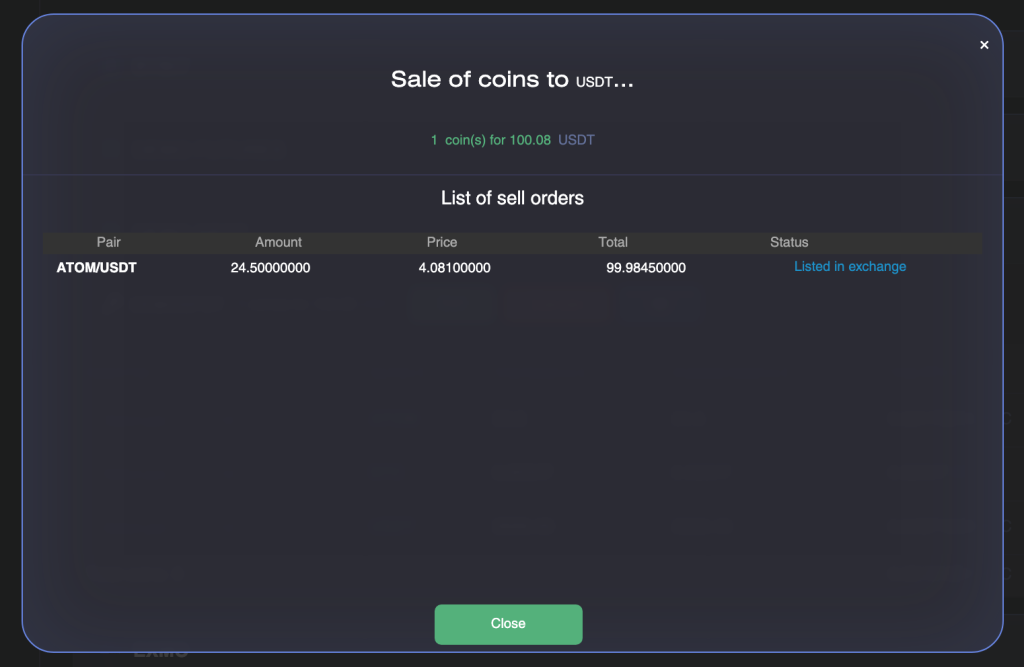
Coins will be sold for a short period of time.